📌 Key Takeaways
- Minesweeper was originally designed to teach mouse skills, not logic
- Its educational benefits were a happy accident discovered by teachers
- The game teaches critical thinking, probability, and pattern recognition
- Used in math, computer science, and psychology classrooms worldwide
- The game's difficulty curve naturally implements educational scaffolding
In 1990, when Microsoft first bundled Minesweeper with Windows 3.1, they had a very specific goal in mind. It wasn't to teach logic or critical thinking. It wasn't to prepare students for careers in STEM. The goal was much simpler: teach people how to use a mouse.
Three decades later, Minesweeper has become something far more significant. It's used in classrooms around the world to teach logical reasoning, critical thinking, probability, and even computer science concepts. What started as a simple training tool for mouse skills accidentally became one of the most effective educational games ever created.
At MIA Games, we've seen this firsthand. Our Minesweeper game is played by students, teachers, and lifelong learners who use it to sharpen their minds. But how did a simple puzzle game become an educational powerhouse? Let me tell you the story.
💡 Did You Know? Minesweeper was originally designed to teach mouse skills — left-click, right-click, and precise cursor control. The game's educational benefits were a happy accident.
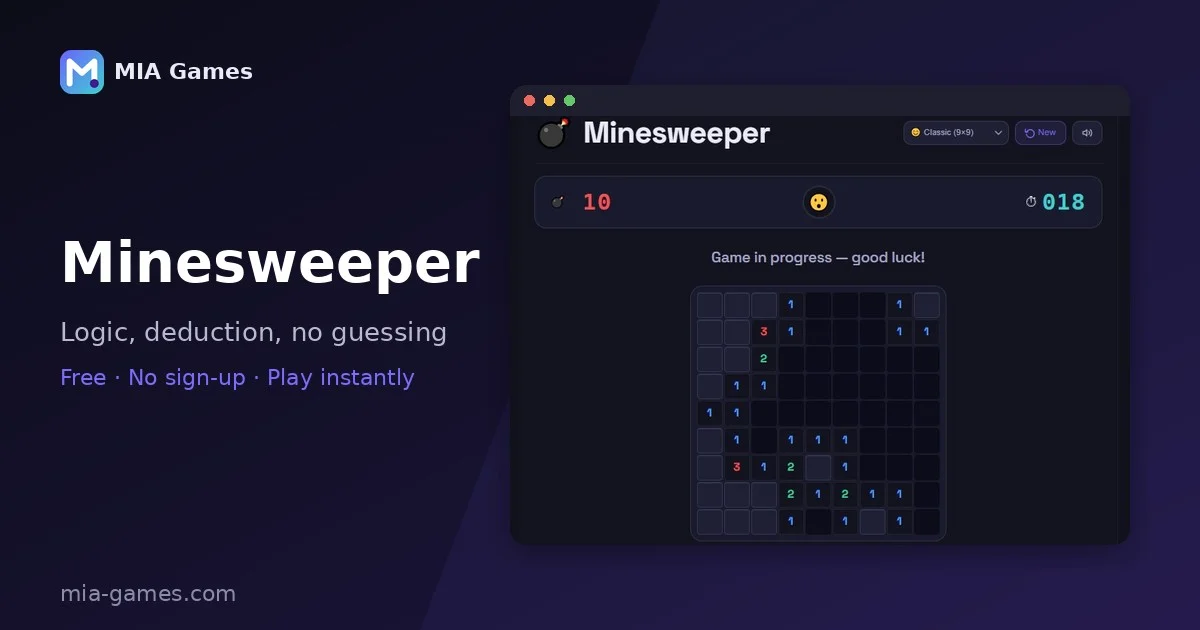
The Origin: A Mouse Training Tool
The story begins at Microsoft in the late 1980s. The company was preparing to launch Windows 3.1, and they had a problem: many users didn't know how to use a mouse. Mice were still a relatively new input device, and most people were more comfortable with keyboards.
Microsoft needed a way to teach mouse skills that was fun. They didn't want to ship a boring tutorial. So they included three games with Windows: Solitaire, Reversi, and Minesweeper. Solitaire taught drag-and-drop. Reversi taught clicking and selection. Minesweeper taught everything else — left-click, right-click, precise targeting, and the dreaded "chord-click" (left-click + right-click simultaneously).
The game was designed by Curt Johnson, a Microsoft engineer, who based it on an earlier game called "Mine" that existed on the PLATO computer system in the 1960s. Johnson's version introduced the three difficulty levels we still use today: Beginner (9×9, 10 mines), Intermediate (16×16, 40 mines), and Expert (30×16, 99 mines).
"We wanted games that would get people comfortable with the mouse," said a former Microsoft developer in a 2015 interview. "Minesweeper was perfect because it required both precision and different click types. We never imagined it would become a teaching tool in schools."
The Realization: Logic and Deduction
As Minesweeper spread across the world, something unexpected happened. Teachers started noticing that students who played Minesweeper were getting better at logical reasoning. The game requires players to:
- Analyse information — Each number gives you specific information about adjacent cells.
- Make deductions — You can't solve the puzzle without logical inference.
- Plan ahead — A single wrong click can end the game, so you need to think before you act.
- Handle uncertainty — Sometimes you have to guess, and you need to make educated guesses based on probability.
By the early 2000s, educators were actively using Minesweeper in classrooms. It was being used in math classes to teach logical reasoning, in computer science classes to teach algorithms and probability, and even in psychology classes to study decision-making under uncertainty.
As we wrote in our article on brain training, games that require logical reasoning and pattern recognition are some of the most effective cognitive exercises available. Minesweeper is a perfect example of this principle in action.
What Minesweeper Teaches
Critical Thinking
Analyse information and make logical deductions to solve problems.
Probability & Risk
Assess uncertainty and make calculated decisions under pressure.
Pattern Recognition
Identify common patterns like 1-2-1 and 1-2-2-1 to solve faster.
Precision & Accuracy
Develop fine motor control and attention to detail.
Problem-Solving
Break down complex problems into smaller, solvable pieces.
Time Management
Balance speed and accuracy under time pressure.
Minesweeper in the Classroom
Over the years, we've spoken with teachers who use Minesweeper in their classrooms. Here are some of the ways they've incorporated it:
1. Mathematics and Logic
- Teaching logical inference — if a "1" has one adjacent mine, and that mine is flagged, the other adjacent cells are safe.
- Introducing probability — when you have to guess, which cell has the highest probability of being safe?
- Understanding constraints — how numbers constrain the possible arrangements of mines.
2. Computer Science
- Explaining the flood-fill algorithm — how the game reveals empty cells.
- Teaching backtracking — solving a Minesweeper board requires exploring possibilities and backtracking when you hit a dead end.
- Introducing the concept of NPC (Non-Player Character) AI — how the game generates solvable boards.
3. Psychology and Decision-Making
- Studying risk assessment — how people make decisions under uncertainty.
- Understanding confirmation bias — how players sometimes ignore contradictory evidence.
- Exploring cognitive load — how the game challenges working memory.
Educational Research Perspective
There's a real, well-established educational principle behind why Minesweeper works so well as a teaching tool: it naturally implements what psychologist Mihaly Csikszentmihalyi called "flow" — the mental state where a task is challenging enough to demand full attention, but not so hard that it causes frustration or disengagement. Minesweeper's progressive grid sizes and mine densities create exactly this kind of gradient: a 9×9 beginner board eases you in, while a 30×16 expert board pushes experienced players to their limit.
This same principle — often called scaffolding in education, building from Lev Vygotsky's "Zone of Proximal Development" — is why good teachers introduce a skill just slightly beyond a student's current ability, then increase difficulty as competence grows. Minesweeper does this automatically through its difficulty tiers, which is a big part of why it's held up as a natural example of good instructional design, well beyond just being a fun logic puzzle.
📚 Why It Sticks: The combination of clear rules, immediate feedback (you know instantly if a click was safe or fatal), and a well-calibrated difficulty curve makes Minesweeper a textbook example of engaging, self-paced learning design — the same qualities educational researchers look for when evaluating whether a game is genuinely useful for teaching, not just entertaining.
A Sample Lesson Plan
For teachers interested in using Minesweeper in the classroom, here's a simple lesson plan:
- Objective: Students will practise logical reasoning and deduction skills.
- Materials: MIA Games Minesweeper on classroom computers or devices.
- Duration: 20-30 minutes.
- Procedure:
- Introduce the rules of Minesweeper (5 min).
- Students play Beginner level, focusing on logical deduction (10 min).
- Class discussion: "What strategies did you use? How did you decide where to click?" (5 min).
- Students try Intermediate level and compare strategies (10 min).
- Assessment: Students explain their reasoning for three safe clicks and three flagged mines.
From Classroom to Career
The skills developed in Minesweeper translate directly to real-world careers:
- Software engineering — logical reasoning, pattern recognition, algorithmic thinking.
- Data analysis — probability assessment, risk analysis, decision-making under uncertainty.
- Project management — planning, resource allocation, risk management.
- Quality assurance — attention to detail, systematic testing, problem-solving.
We've spoken to multiple software engineers who credit Minesweeper with developing their early interest in logic and programming. "Minesweeper taught me how to think like a computer scientist," one engineer told me. "It's all about making deductions from limited information — which is what programming is, at its core."
How to Use Minesweeper for Learning
If you're a teacher, parent, or lifelong learner, here's how to get the most educational value out of Minesweeper:
- Start at Beginner level. The 9×9 grid is manageable and allows you to focus on the logic rather than the scale.
- Talk through your thinking. Verbalise your deductions: "This number is 2, so it must have two mines adjacent. We've already found one, so one of these two cells must be a mine."
- Don't rush. Minesweeper rewards thoughtful play. Speed comes with experience, but accuracy comes first.
- Review losses. When you lose, go back and see if you made a logical error or if you had to guess.
- Track your progress. Use the timer and best-time tracking to measure improvement.
At MIA Games Minesweeper, we've made these features easy to access. Our game tracks your best times and provides multiple difficulty levels so you can progress at your own pace.
Other Educational Games
While Minesweeper is a fantastic teaching tool, it's not the only game that builds cognitive skills. At MIA Games, we offer a variety of games that can supplement any educational curriculum:
- Sudoku — Teaches logical reasoning, pattern recognition, and systematic problem-solving.
- 2048 — Develops forward-thinking planning and strategic decision-making.
- Memory Match — Improves short-term memory, concentration, and visual-spatial awareness.
- Simon — Enhances memory, pattern recognition, and cognitive processing speed.
- Connect Four — Develops strategic thinking, foresight, and planning.
Each of these games offers unique cognitive benefits, and together they provide a well-rounded mental workout. As we've written in our brain training guide, the best approach is to vary the games you play to exercise different cognitive functions.
The Legacy of a Happy Accident
Minesweeper's journey from mouse trainer to educational tool is a reminder that the best educational resources are often the ones that don't set out to be educational at all. When a game is genuinely engaging, learning happens naturally. And when learning is fun, it sticks.
At MIA Games, we're proud to carry on the legacy of classic games like Minesweeper. Our Minesweeper game is designed to be both fun and cognitively challenging — perfect for classroom use or personal brain training.
So the next time you play Minesweeper, remember: you're not just passing the time. You're practising critical thinking, logical reasoning, and problem-solving — skills that will serve you well in any career or life path. And if you're a teacher, remember that you have a powerful educational tool at your fingertips.
Frequently Asked Questions
Was Minesweeper really designed to teach mouse skills?
Yes. Microsoft included Minesweeper with Windows 3.1 specifically to help users learn how to use a mouse — left-click, right-click, and precise cursor control. The educational benefits were a happy accident.
Can Minesweeper really teach critical thinking?
Yes. The game requires logical deduction, probability assessment, and pattern recognition — all core components of critical thinking. Teachers have been using it in classrooms for decades.
What age group is Minesweeper suitable for?
Minesweeper is suitable for ages 8 and up. Beginner level is accessible to younger students, while Expert level challenges even adults. The game scales well with age and ability.
Is Minesweeper used in schools?
Yes. Teachers use Minesweeper in math classes (for logic), computer science classes (for algorithms), and psychology classes (for decision-making).
Can I play Minesweeper on my phone for educational purposes?
Yes. MIA Games Minesweeper is fully responsive and works on any device with a browser, making it perfect for classroom use on tablets, laptops, or phones.
What other educational games does MIA Games offer?
We offer a variety of educational games including Sudoku, 2048, Memory Match, Simon, and Connect Four — each targeting different cognitive skills.
Ready to Play?
Whether you're a student looking to sharpen your mind, a teacher searching for a classroom activity, or just someone who loves a good logic puzzle, Play Minesweeper on MIA Games and experience the game that accidentally became a teaching tool.
Happy sweeping!